Agents
What a CLI agent actually is,explained like you are five
The difference between a chatbot that talks and an agent that can actually do the work.

By Waldo team
Product and engineering
Listen
Loading audio · System voice
On this page
Most people know AI as a website where you type a question and get a few paragraphs back.
That version is useful, but it is only one version. Thinking it is the whole story is a bit like thinking a car is the chair you sit in at the DMV.
Here is the rest of it.
Start with the box#
Before your computer had icons, it had a black rectangle with a blinking line. You typed words. It did things. That rectangle is still there. On a Mac it is called Terminal. On Windows it is PowerShell. Developers never stopped using it, because typing a command can be much faster than clicking through the same task.
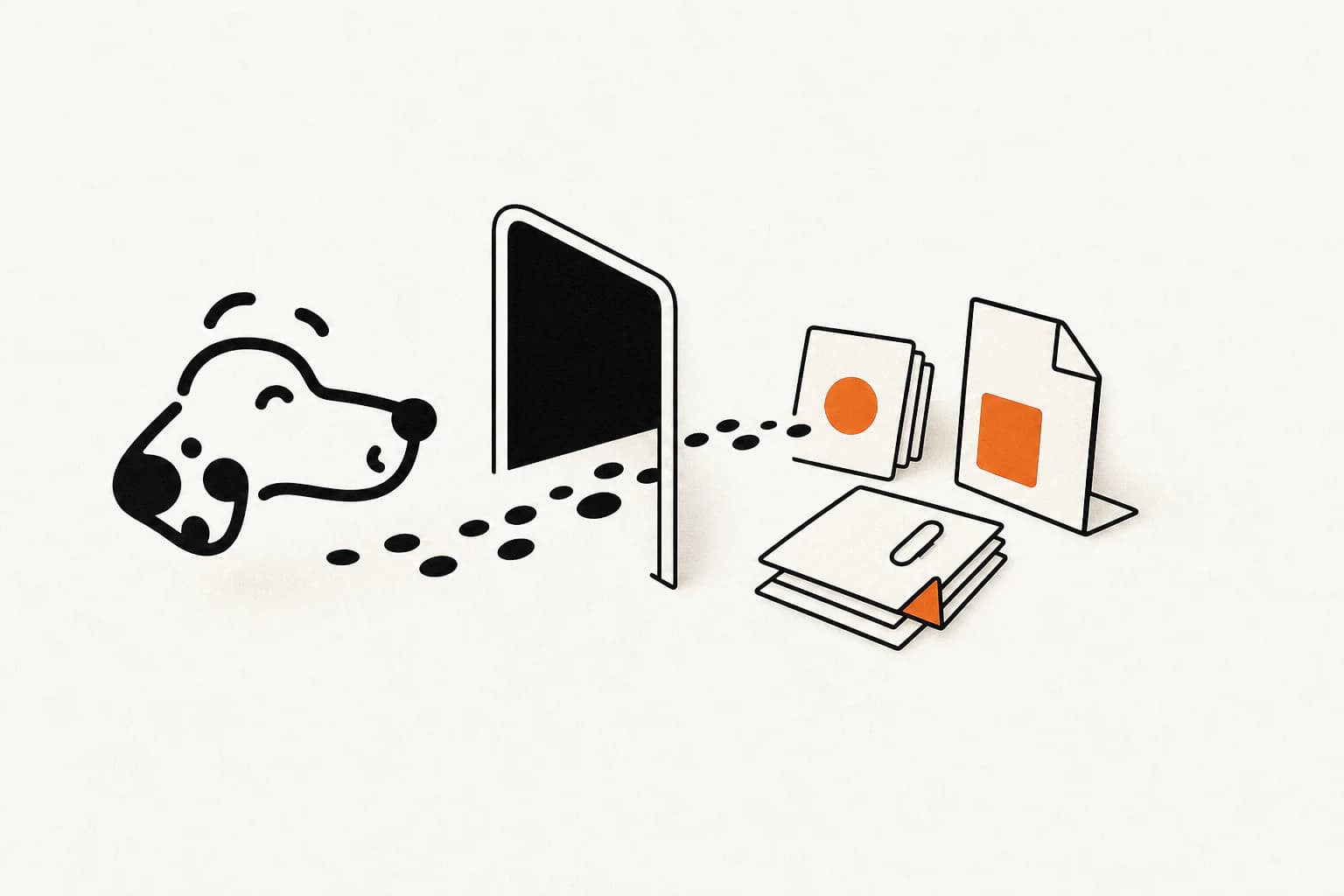
That rectangle is the command line. CLI stands for command line interface. That is the whole acronym. It is not a technology, it is a doorway.
The doorway matters because your actual computer sits on the other side: your files, your projects, and the ability to install, move, run, or break things. A chat website stands outside and talks about the room. A program in the terminal is already inside it.
Now the difference between a chatbot and an agent#
A chatbot is a very well read person on the phone.
You describe your problem. They describe a solution. You go do it. You come back and say it did not work. They describe another one. This can go on all afternoon and at the end of it, the well read person has done exactly zero things and you have done all of them.
An agent is the same well-read person, except you handed them the keys.
They open the file themselves. They read it. They notice the error is somewhere else than you thought. They change it. They run the test. The test fails differently now, which is progress. They read the new error. They change something else. They run it again. It passes. They tell you what they did.
You were making tea.
That loop is the entire idea. Read, act, check the result, decide what to do next, repeat until done or stuck. A chatbot does one turn. An agent does the loop. Everything else about agents is plumbing around that loop.
Why developers went strange about this#
Ask a developer who has used one and they will tell you it changed how they work, and then fail to explain why in a way that lands.
The reason is boring: the copy-paste tax disappeared.
With a chatbot you are the hands. You paste in the code. It answers. You paste the answer back into your editor. You run it. You copy the error. You paste that in. Every one of those steps is you, moving text between two windows, being a very expensive USB cable. The AI never sees the actual file, never sees the real error, only ever sees the snippet you thought to show it.
An agent sees the whole room. It can search the codebase for the function you forgot existed. It can check git history and notice someone tried this same fix before and reverted it. It can run the test suite and read the real output rather than your paraphrase of the real output.
The gap is not intelligence. Same model underneath, often literally the same one. The gap is that one of them has hands and eyes and the other one has a mouth.
And then you try to set one up#
This is the part nobody puts in the launch video.
You install a runtime. Wrong version. So you install a version manager to manage the version, then install the agent. It asks for an API key. You make an account, add a card, generate the key, and now it is sitting in your clipboard while you decide, with no guidance, whether pasting it into a file called .env is a normal thing to do.
Then you want it to see your calendar, so you learn what MCP is. Then you edit a JSON config file, and JSON does not forgive a trailing comma. Then you decide which actions it is allowed to take without asking, which is genuinely a security question, and you are answering it late at night based on vibes.
Somewhere in here you have stopped doing the thing you wanted to do and started doing systems administration.
None of this is anyone's fault. This tooling was built by developers for developers, fast, while the models kept changing underneath it. Ergonomics was not the priority and honestly should not have been. But the result is a capability that is genuinely extraordinary and genuinely gated behind an afternoon of yak shaving.
So the population that has an agent doing real work for them still skews heavily toward people who write software, plus some very determined others.
The part that bothers us#
The people who most need something watching their day are the least likely to survive that setup.
The consultant with several clients. The nurse on rotating nights. The founder who cannot remember a properly rested week. They do not have a terminal open. They do not want one. They should not need one to have something competent quietly handling things on their behalf.
The capability is real. The doorway is stupid.
Which is roughly what we are building#
Waldo runs that same loop without asking you to live in a terminal. There is no config file, no API key, and no JSON to repair. It connects to the tools you already use, does the work it is allowed to do, and then goes quiet.
What it does with that access is the part we care about. It reads your body through the wearable you already own, reads your day through the tools you already use, and acts on the gap between them. You slept badly and an important call is first thing. It moved what did not need to be there and left the preparation window clear. You find out afterwards.
There is a chat window if you want one. We are not going to pretend otherwise, because half the useful things you will ever ask it are questions. But the chat is the exception. The default is that the work already happened.
It cannot do everything a terminal agent can do. Nothing that lives on your phone can install packages or refactor your repository, and we are not going to claim it can. What it can do is the loop, on your day, without an afternoon of setup.
The terminal was never the point. The loop was.
Sources and basis
Waldo team
Notes from the people turning body signals and the shape of your day into useful action.