Skip to content

Everything it handles.Nothing you have to.

Everything Waldo does, from reading last night's sleep to moving tomorrow's meeting.

Health

Your health,without the homework.

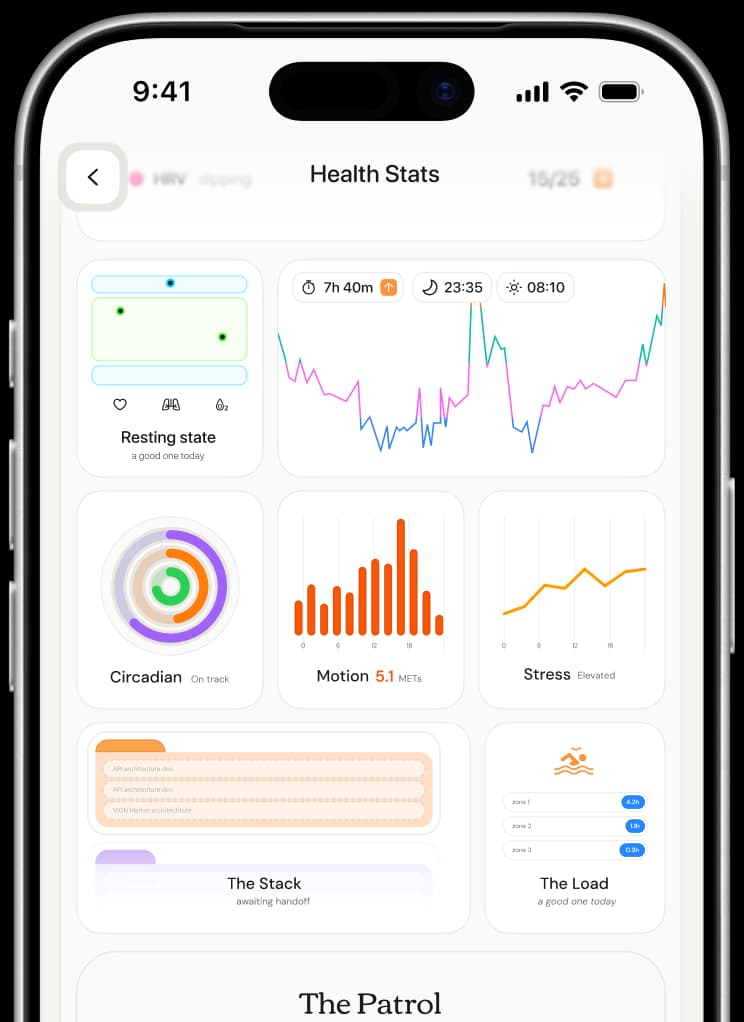
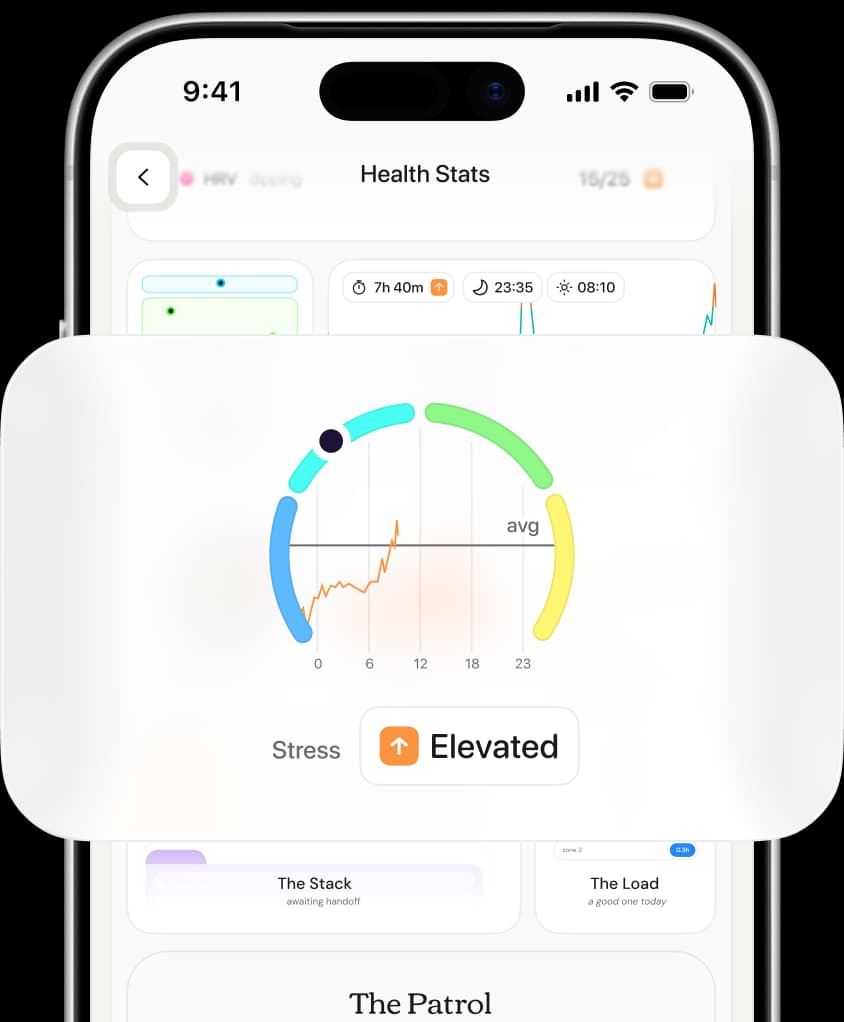
Health apps hand you charts and a score, then leave the reading to you. Waldo does the reading. It even knows a racing heart on a morning run from a racing heart in a board call. You have better things to memorise.
Also

Health

Sleep debt

Working today

One good night doesn’t cancel a short week. Waldo keeps count, so your plans match the sleep you’ve actually had.

Most sleep apps grade last night and start again tomorrow. Waldo keeps a running count of the sleep you’ve missed, weighted over the last 14 days, so a Saturday lie-in doesn’t hide three short nights before it.

When the debt builds, it plans around it before you feel it: an earlier wind-down, a lighter morning, the hard task moved to when you’re fresher.

Sleep debtLast 14 nightsYour usualTwo weeks agoLast nightTonight’s the night to pay it back.Earlier wind-down, and a lighter morning.
Fourteen nights against your usual, and what tonight is for

How it helps

WhenWhat Waldo does
The debt is buildingSuggests an earlier wind-down, and keeps tomorrow morning light.
One long nightCounts it, without calling the debt paid. Two weeks say more than one night.
Something hard is dueMoves it to when you’re fresher, and leaves the deadline where it is.

Waldo uses health signals as context for planning your day. It isn't a medical device, and it doesn't diagnose anything.

Day to day

Done beforeyou’re up.

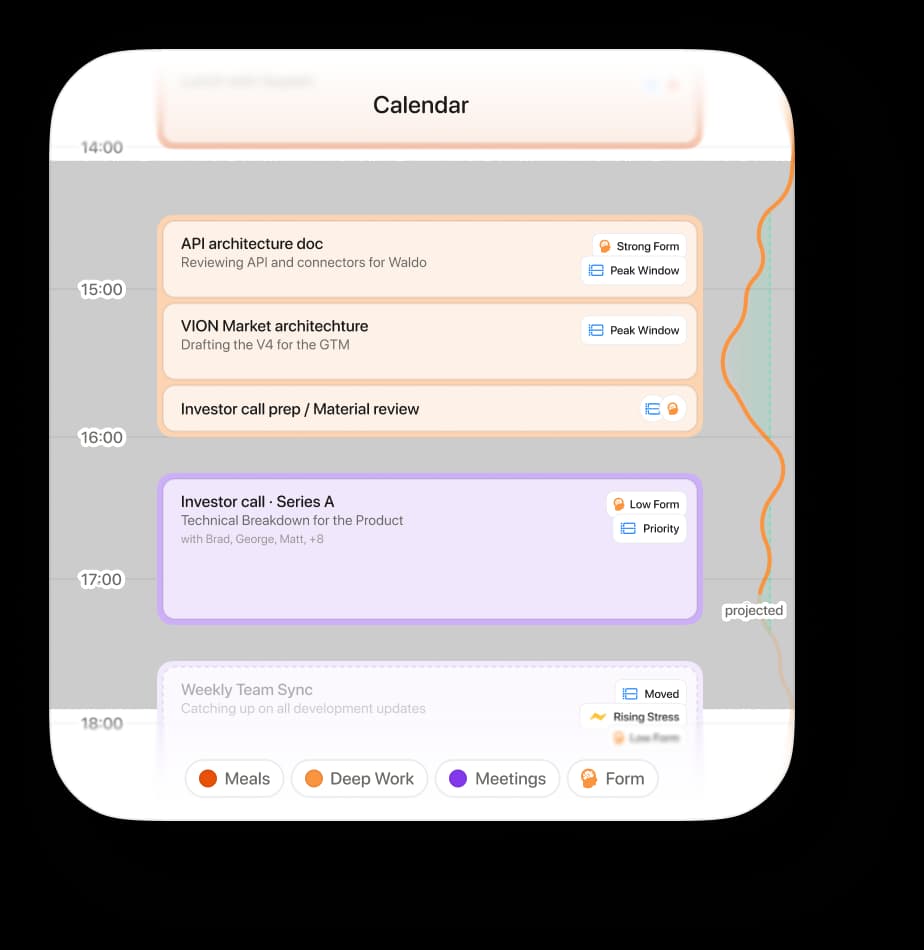
Waldo reads your night, then rebuilds the day around it. The hard meeting moves, your best hours stay protected, and the inbox waits its turn. Most of it, you'll never see happen.

Also

Day to day

Your best hours

Coming next

Waldo learns when you’re sharpest, then keeps that time for the work that needs it.

Everyone has a stretch of the day when hard things feel easier, and most calendars give it away to whoever books first. Waldo learns yours, and shapes your calendar around it.

When an invite lands in that window, it suggests another time before you’ve said yes. “This invite lands in your sharpest window. Suggest 3pm instead?”

TodayHow sharp you are, hour by hour10:30–12:308am10122pm46pmDesign reviewInvite · 11:00This lands in your sharpest window.Suggest 3pmKeep 11:00
Your sharpest stretch, and an invite that lands in it

How it helps

WhenWhat Waldo does
An invite lands in your best hoursSuggests another time, before you’ve accepted.
Your week fills upHolds your sharpest stretch for the work that needs it.
Your rhythm changesKeeps learning, so the window moves with you.

Connectors

Already fluentin your tools.

Your watch, your calendar, your inbox, your tasks, and the agents you already pay for. Growing to 200+ tools across 27 categories.

Talk to Waldo

You don’t have to talk to it.But you can.

Waldo speaks first, but ask it anything, any time: “How did I sleep?” “When should I do the hard thing today?” Talk to it on Telegram and the web today. WhatsApp and iPhone notifications are coming next.

Also

Talk to Waldo

Threads

Working today

Keep each part of life in its own conversation, so nothing gets buried under something else.

One thread for the week ahead, one for training, one for that trip. Each keeps its own context, so Waldo picks up where that conversation left off, not where the last one did.

One tap moves between them.

This weekTrainingLisbon trip22 hours of meetings next week. WantFriday afternoon kept clear?Yes, do that.Done. Retro moved to Monday.Message this thread
Three threads, each with its own context

How it helps

Without threadsWith them
Training notes buried under workEach topic has its own place.
Explaining the background every timeEach thread remembers its own.
Scrolling to find the trip plansOne tap to the thread.

Your rules

Review actionsbefore they count.

You choose how far Waldo goes, area by area, and you can change it whenever you like. Every move is logged. One tap takes it back.

Also

Your rules

Three levels,per area

Working today

Decide how far Waldo goes, one part of your life at a time.

Tell me, Ask me or Just do it, set separately for each area. “Just do it” for your calendar. “Ask me” for anything that goes to other people. Waldo only acts as far as you’ve allowed in that area.

Start careful, and give it more room as it earns it. Change any of them whenever you like.

How far Waldo goesCalendarTell meAsk meJust do itTasksTell meAsk meJust do itMessages to othersTell meAsk meJust do itFocus timeTell meAsk meJust do itChange any of them whenever you like.
Each area with its own level

The three levels

LevelWhat Waldo does
Tell meSays what it would do. Nothing changes.
Ask meSuggests the change, and waits for your yes.
Just do itMakes the change, then tells you what it did.

New tricks,coming soon.

Coming later

What's coming

Voice

Planned

Ask out loud, and hear the answer back. For the moments typing isn’t an option.

Hold the mic and ask. Waldo can read your Brief out loud too, so the morning can start while you’re still getting ready.

How did I sleepReading your Brief out loudHold to ask
Holding the mic to ask, with the Brief read out loud

Where it would help

MomentWith voice
Getting ready in the morningThe Brief, read out loud.
Walking between meetingsAsk without stopping to type.

Now you know.Let it work.

You'll notice the difference, not the work.